
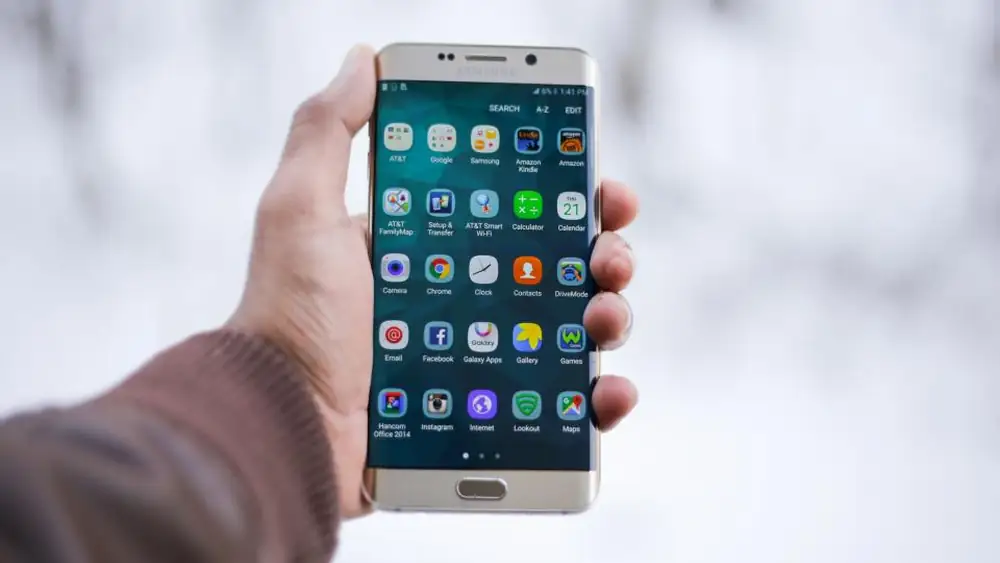
Why Battery Life Matters in the Age of Technology Gadgets
Did you know that most smartphones lose up to 20% of their battery life just by keeping the screen on? In 2024, with technology gadgets becoming more powerful—and more energy-hungry—maximizing your device’s battery life is essential. Whether you’re a frequent traveler, a student juggling multiple apps, or someone who relies on tablets for work, optimizing battery performance can save you time, money, and stress.
Optimize Your Phone Settings to Extend Battery Life
Your smartphone’s settings are one of the easiest places to start when trying to maximize battery life. Adjusting screen brightness is a simple yet effective step—lowering it by 10% can save up to 15% of your battery, according to studies.
- Enable Auto-Lock: Set your phone to lock after 30 seconds to prevent unnecessary screen-on time.
- Reduce Animation Effects: Disable smooth transitions in settings to cut background processing power.
Also, check for software updates regularly. Manufacturers often release patches that improve battery efficiency and fix bugs affecting power consumption.
Manage Apps and Background Activity Smartly
Persistent apps running in the background can drain your tablet or smartphone’s battery faster than you realize. Maximize battery life by limiting non-essential activities:
- Turn Off Push Notifications: Disable alerts for social media and email to reduce constant connectivity.
- Use Battery-Saving Modes: Activate low-power mode in settings, which dims the screen and limits CPU performance.
Avoid apps that overuse resources—like video streaming or gaming apps—and consider using widgets instead of full-screen apps to minimize power drain. Tools like Battery Doctor (for Android) can also help identify energy vampires on your device.
Prioritize Charging Habits for Long-Term Battery Health
How you charge your gadgets impacts their battery life over time. To maximize battery longevity:
- Avoid Full Discharges: Charge your device when it reaches 20-30% to prevent deep discharge cycles.
- Use Original Chargers: Cheap third-party chargers can overheat and degrade battery chemistry faster.
- Keep It Cool: Avoid charging in direct sunlight or hot environments—high temperatures accelerate battery degradation.
If you use tablets frequently, invest in a power bank with fast-charging capabilities for on-the-go convenience without sacrificing battery health.
Leverage Power-Saving Features and Tech Gadgets
Modern smartphones and tablets come equipped with features designed to maximize battery life. For example:
- Battery Percentage Display: Know your remaining power at a glance and plan accordingly.
- App-Specific Battery Management: On iOS, use the “Battery” settings to see which apps consume the most energy.
Consider accessories like screen-cutting films or solar-powered chargers as eco-friendly tech gadgets that can extend your device’s usability during power outages or outdoor adventures.
Conclusion: Your Guide to Maximizing Battery Life in 2024
By combining smart settings, app management, and charging habits, you can significantly maximize battery life for your smartphone and tablet. Whether you’re using a cutting-edge Android device or the latest iPad, these tips will keep your gadgets running longer—and more efficiently.
If you’ve tried any of these methods, share your experience in the comments below! For more tech gadget hacks, explore our guides on advanced battery optimization and tablet-specific power tips.